Upload date
All time
Last hour
Today
This week
This month
This year
Type
All
Video
Channel
Playlist
Movie
Duration
Short (< 4 minutes)
Medium (4-20 minutes)
Long (> 20 minutes)
Sort by
Relevance
Rating
View count
Features
HD
Subtitles/CC
Creative Commons
3D
Live
4K
360°
VR180
HDR
8,807 results
... used to Max 7 and all these great things that it does and um see if we can't just uh start using some of the features so rather than ...
5,084 views
11y ago
How do you get Max to swing? Here is one easy method.
1,249 views
5y ago
If we want to update our tone generators ("cycle~ patchers), it makes sense to save that patcher as a separate patcher and use ...
3,129 views
Basic tutorial video for Max 6 which explains the work environment, the 3 basic Max objects, how to connect them, and how to ...
1,823 views
13y ago
This video is obsolete after the release of Max 7.2 because the "spigot~" object has been rendered un-necessary by the ...
8,035 views
10y ago
Note*** After Max 7.2 or so, the object "Spigot~" was made useless, which is good as it wasn't working very well with many ...
3,544 views
Talk like Darth Vader, what else needs to be said? Except that you can use the "Freq Shift" device on any audio-out, so I hope to ...
5,634 views
Intro Video Tutorial for ART 1383 which explains how to download and install Max 6 in preparation for class.
2,377 views
In this tutorial, we take the rhythm machine of Tutorial 11 and give it some nuance by using the "Dial Mode" of the Matrix Control ...
7,977 views
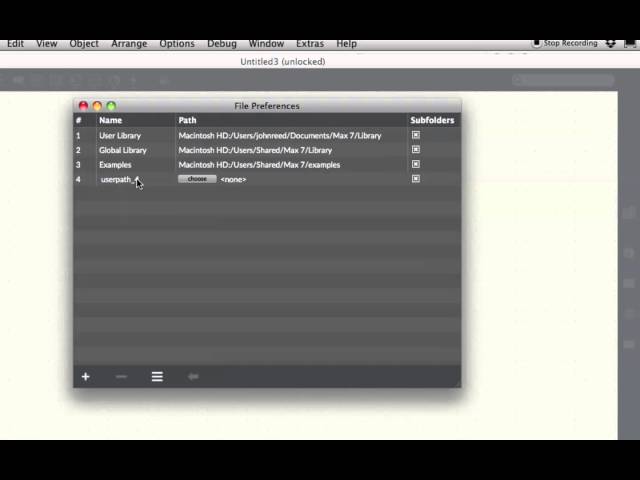
Beginners Tutorial for getting started with Max. A little setup to make sure Max can find your files!
16,841 views
7y ago
How to make a device to shut-off hanging MIDI notes. Complete with "PANIC" button. This has -possibly- been the most useful little ...
5,525 views
In this tutorial, we explore the third way to produce sound in Max, using the Buffer object and the Groove object. A Buffer loads and ...
786 views
How to find basic help in the Max program itself. This is a short video on how to use the Max Tutorials and follow along with ...
5,858 views
Some helpful hints for setting Max 7 up on your computer. Very basic, but getting Max to find your files via "File Preferences" can ...
21,600 views
Buckle up scholars, it's the intro video for Twisted Signals. Get the patch/media here: https://bit.ly/2Dd1vss This video ...
1,538 views
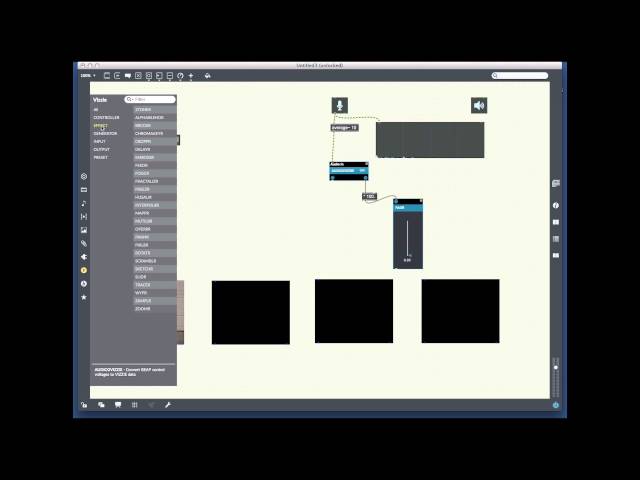
Final project for Computer Music 1. First time exploring the vizzie features in Max 7. They have made it super easy to just drag and ...
6,989 views
Hi welcome to max 7 tutorial number 41 jitter effects modulating basic effects so I'm just gonna start off with a new window as I I ...
3,677 views
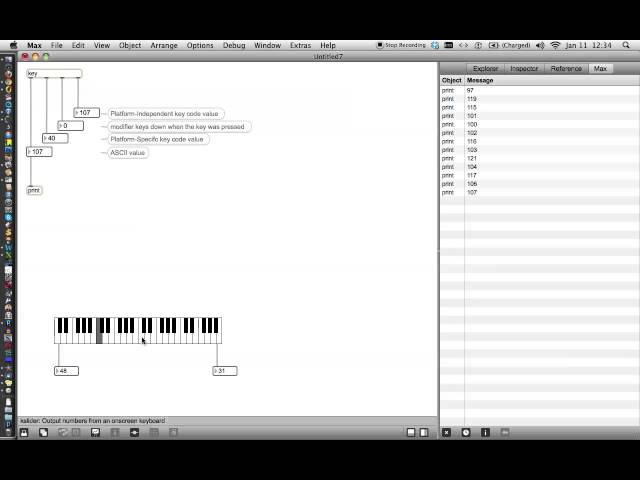
In this video we make a patcher for getting data from the computer keyboard into Max. Using the "select" object, we convert ...
1,282 views
Tutorial 20: Recording and Playing MIDI we do just that. We use a "Sequencer" (the "seq object") to make a recording, play it back, ...
14,468 views
The second installment in the WTF is JS series from MaxMspTutorials.com. In this tutorial, we will create a JS object from scratch.
1,129 views
14y ago